QuickDreamViz
Revolutionary AI Interior Design Slider Magic Brush for Professionals
Experience the future of spatial planning with our advanced AI interior design slider magic brush, designed for seamless room transformations. This intuitive tool combines powerful generative AI with granular slider controls to deliver photorealistic results in seconds.
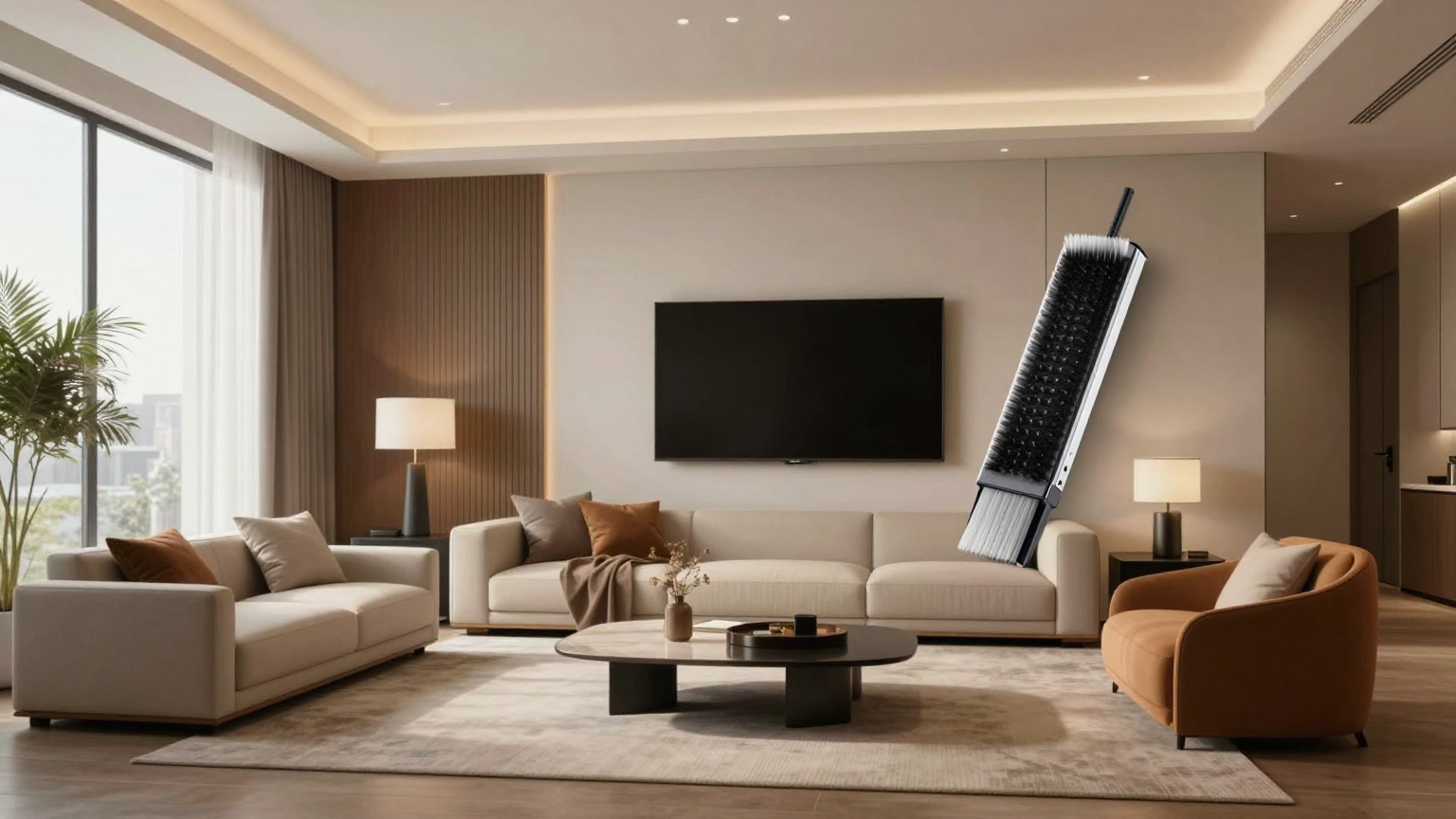
In-Painting Magic Brush
Selectively edit specific areas of your room with a smart brush that understands depth and architectural boundaries.
Granular Slider Controls
Adjust the intensity of your design changes using our proprietary slider, allowing for subtle refreshes or total stylistic overhauls.
Architectural Material Accuracy
Ensure every texture—from brushed oak to honed marble—reflects light and scale with professional-grade realism.
Real-Time Visual Feedback
See your changes instantly as you brush, providing a fluid workflow for designers and homeowners alike.
Seamless Integration of AI and Architectural Precision
The AI interior design slider magic brush represents a paradigm shift in digital staging and renovation. Unlike standard filters, our tool utilizes deep learning to recognize structural elements such as load-bearing walls, window placement, and ambient lighting. This ensures that every edit made with the magic brush adheres to the physical realities of the space, providing architects and designers with a reliable visualization of potential renovations.
Mastering the Magic Brush Interface
Using the AI interior design slider magic brush is remarkably intuitive. Users simply highlight the area they wish to transform—be it a worn-out sofa or an entire kitchen backsplash—and describe their vision. The brush technology then intelligently fills the selection with high-fidelity assets that match the existing perspective and scale, maintaining professional quality throughout the render.
The Power of Slider-Based Refinement
What truly sets our tool apart is the integration of the slider mechanism. Once the AI interior design slider magic brush suggested a new layout or material, the slider allows you to blend the original photo with the AI-generated concept. This is vital for architectural accuracy, as it enables users to dial in the exact level of modernism or traditionalism required for the specific project, ensuring the final output is both beautiful and achievable.
What the Slider + Magic Brush Combination Does
- Paint a mask over the area you want to change (a wall, sofa, floor, or backsplash).
- Type what you want, such as "warm oak cabinets" or "beige linen sofa".
- Use the slider to blend the original photo with the AI edit until the result looks natural.
Other Design Tools to Try Next
- AI Magic Brush — pinpoint selective room editing for individual furniture and finishes.
- AI kitchen design tools — tested for cabinet layout, appliance placement, and work triangle.
- AI bathroom design — tested for wet/dry separation, vanity sizing, and small-space fit.
- AI living room space planning — tested for walkway width, sofa-to-TV distance, and layout.
- Best free AI interior design apps — full ranking with honest scores.
Try ai interior design slider magic brush with QuickDreamViz
Why users trust this workflow
- Upload a room photo and keep the original layout visible before making design decisions.
- Generate room visuals, virtual staging concepts, and walkthrough videos from one workflow.
- Use Magic Brush for local edits instead of restarting a full room generation.
What to know before you upload
- Use a bright, high-resolution photo with walls, floor, and key furniture visible.
- Generated images are for visualization and presentation, not construction-grade plans.
- Paid plans should clearly state export quality and commercial usage rights on pricing pages.
FAQ
How does the AI interior design slider magic brush ensure realistic lighting?
The tool analyzes the existing light sources in your original photo and applies consistent shadows and highlights to the new elements generated by the magic brush.
Can the slider tool adjust the intensity of the design changes?
Yes, the slider allows you to transition smoothly between your original room and the AI-reimagined version, giving you full control over the creative output.
Is the magic brush suitable for professional interior designers?
Absolutely. It is built to maintain architectural scale and material accuracy, making it an ideal tool for rapid prototyping and client presentations.
Can I use Magic Brush for kitchen design?
Yes. Magic Brush is especially useful for kitchen edits such as replacing a backsplash, swapping cabinet colors, or testing a new island finish. For a full kitchen layout comparison, see our tested guide to the best AI kitchen design tools.
Can I use Magic Brush for bathroom design?
Yes. You can mask and replace tiles, vanities, mirrors, and fixtures. Because bathrooms have waterproofing and drainage constraints, treat the output as a visual direction and verify plumbing with a professional. See our AI bathroom design test for details.
Can I use Magic Brush for living room design?
Yes. Living room edits are the most common use case: replace sofas, rugs, walls, and lighting one area at a time. For layout rules such as sofa-to-TV distance and walkway width, see our AI living room space planning guide.
Try It Now
Upload your room photo and see the magic happen. No signup required for your first design.
Drag & drop your room photo
Supports JPG, PNG up to 10MB (16:9 crop to 1920px)
Upload a photo to see the preview
How It Works
From photo to 3D walkthrough in 3 simple steps
Upload Your Photo
Take a photo of your room and upload it. We support JPG, PNG up to 10MB. Our AI will analyze the space structure.
Choose Your Style
Select from 8 curated interior design styles. Preview instantly how each style transforms your space.
Get Your 3D Walkthrough
Our AI generates a stunning video tour. Download and share with friends, family, or clients!
Explore 8 Design Styles
Click any style to see more examples and learn about its characteristics
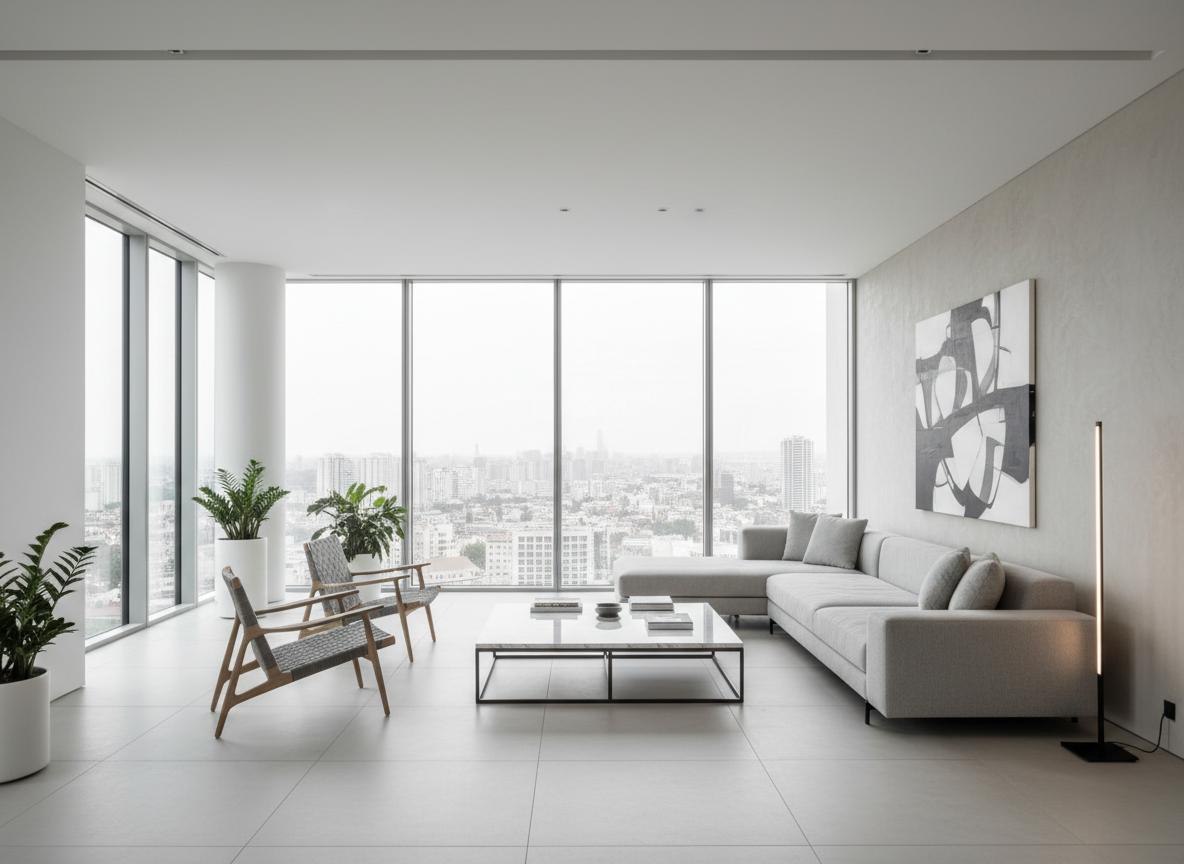
Modern Minimalist
Clean lines, neutral colors, and functional design
Modern Minimalist
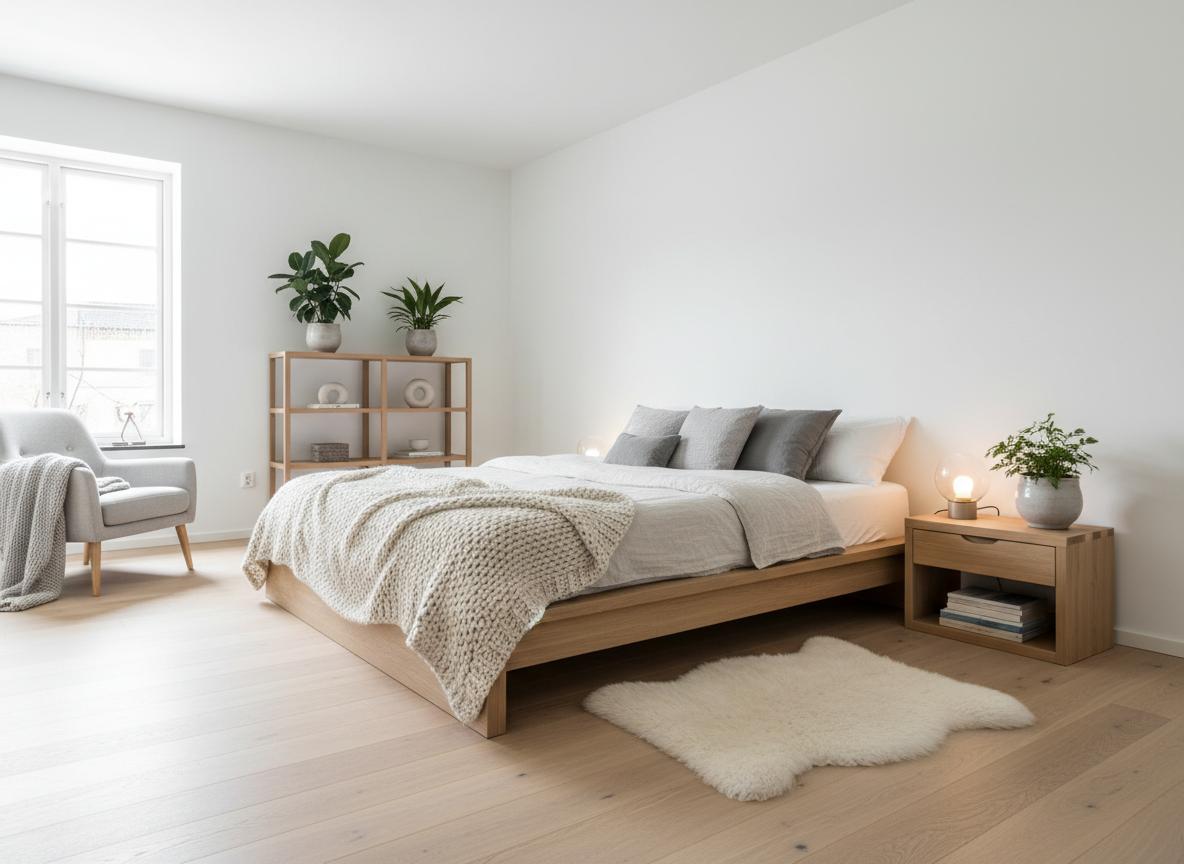
Scandinavian
Light, cozy, and natural elements
Scandinavian
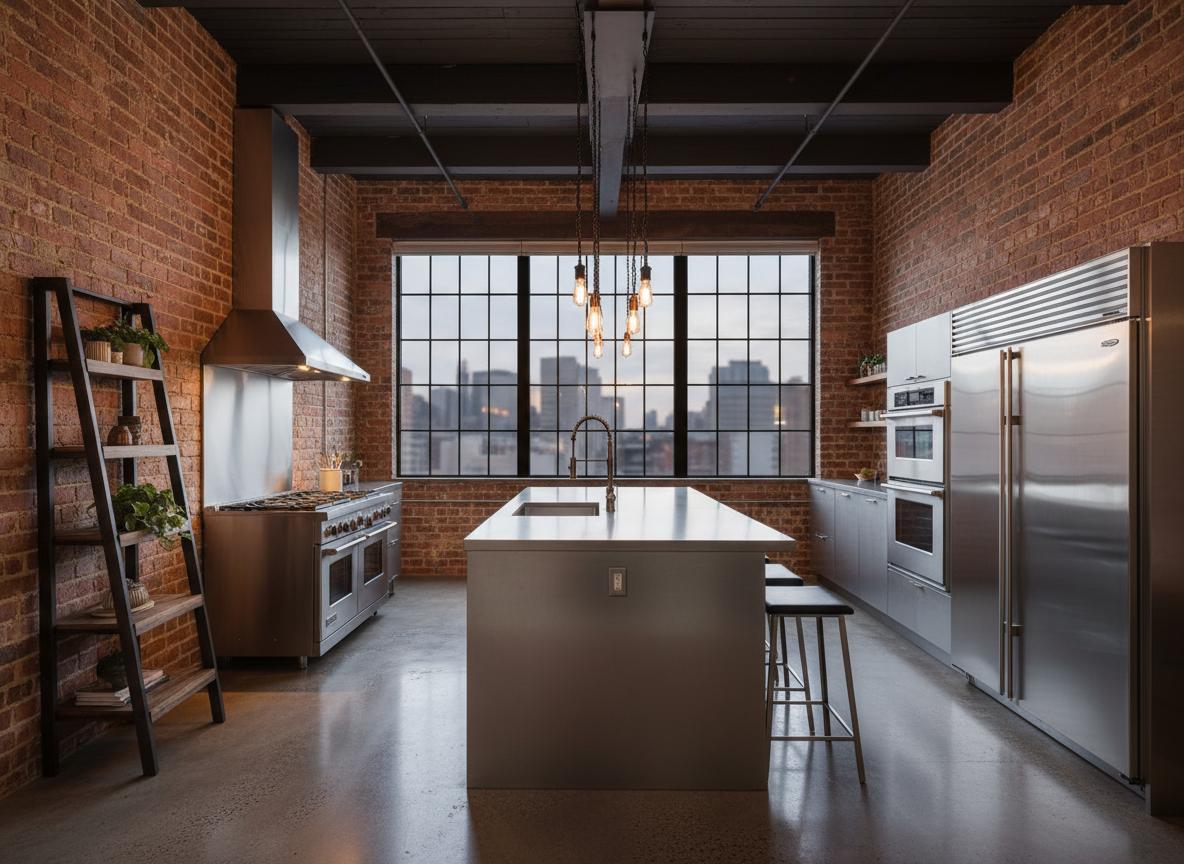
Industrial Loft
Raw materials, exposed structures, urban feel
Industrial Loft
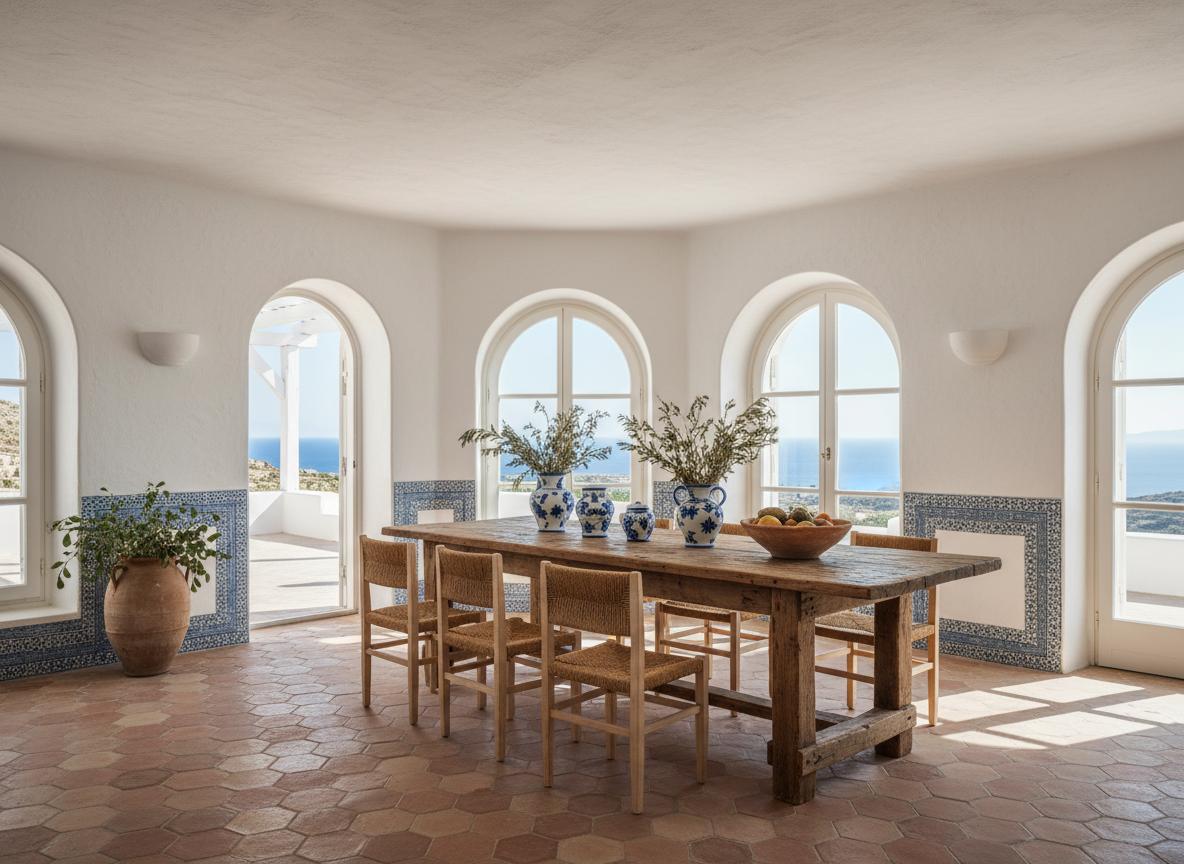
Mediterranean
Warm colors, natural textures, coastal vibes
Mediterranean
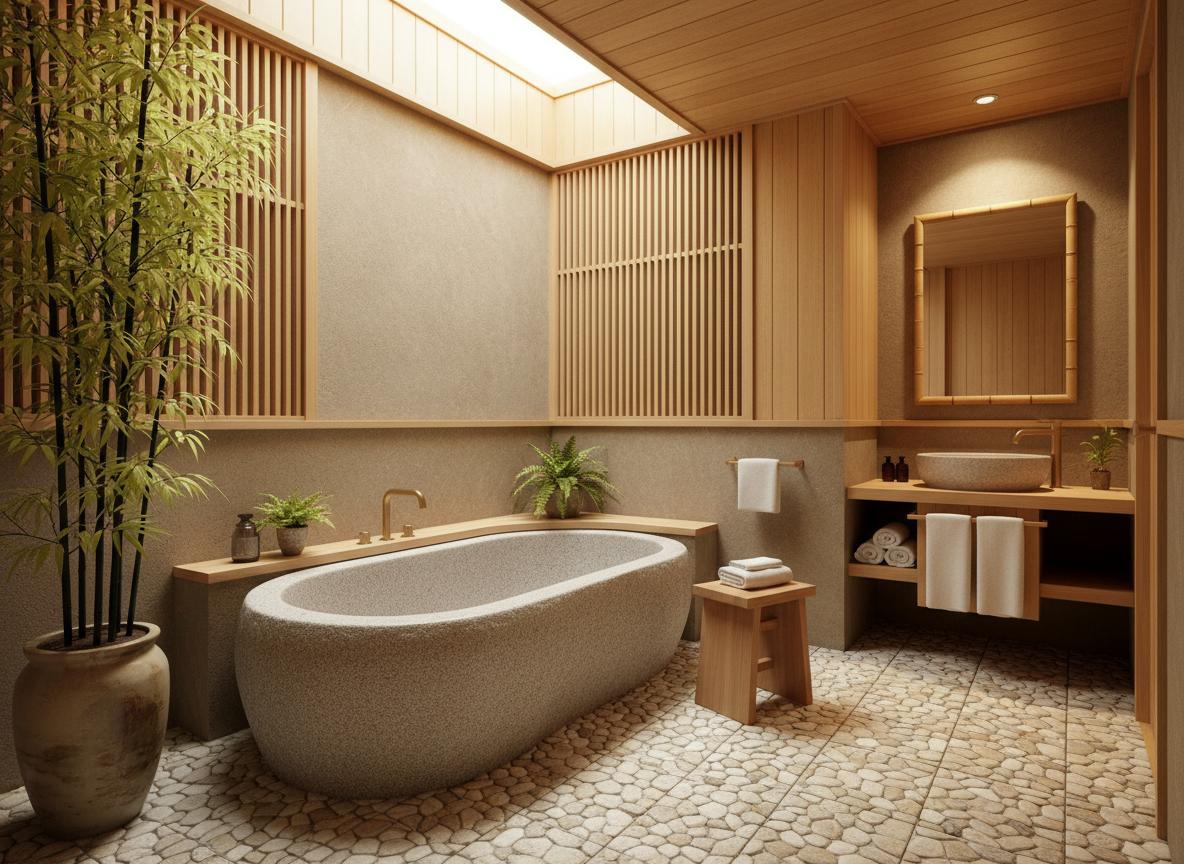
Japanese Zen
Minimalist, natural materials, peaceful atmosphere
Japanese Zen
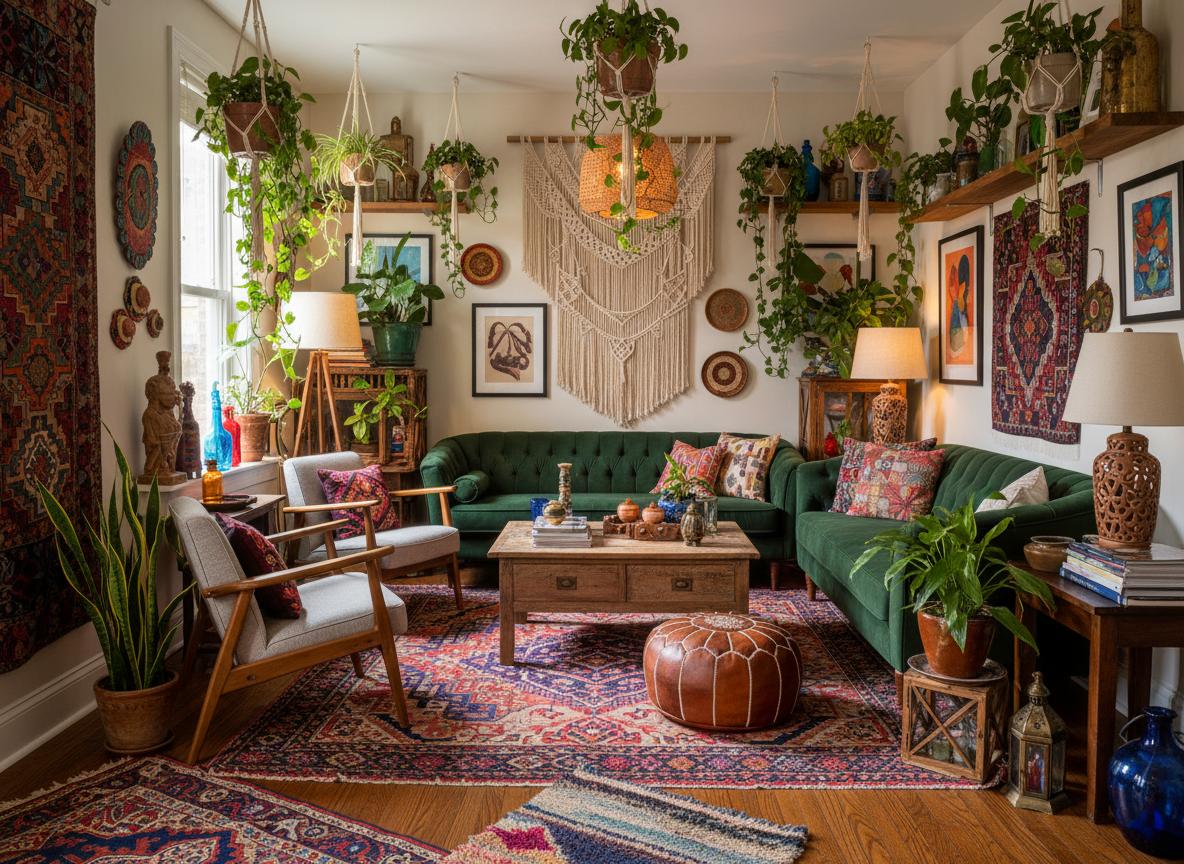
Bohemian
Eclectic, colorful, artistic expression
Bohemian
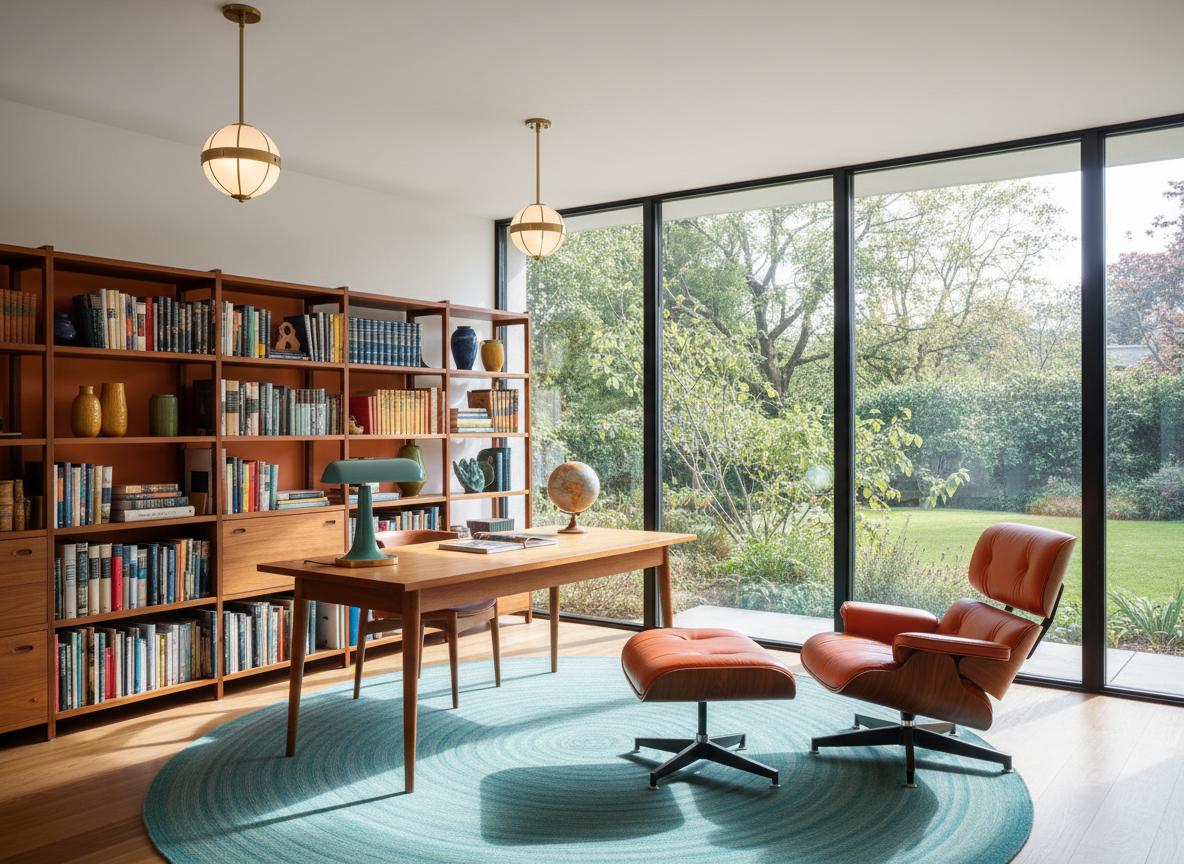
Mid-Century Modern
Retro charm, bold colors, iconic designs
Mid-Century Modern
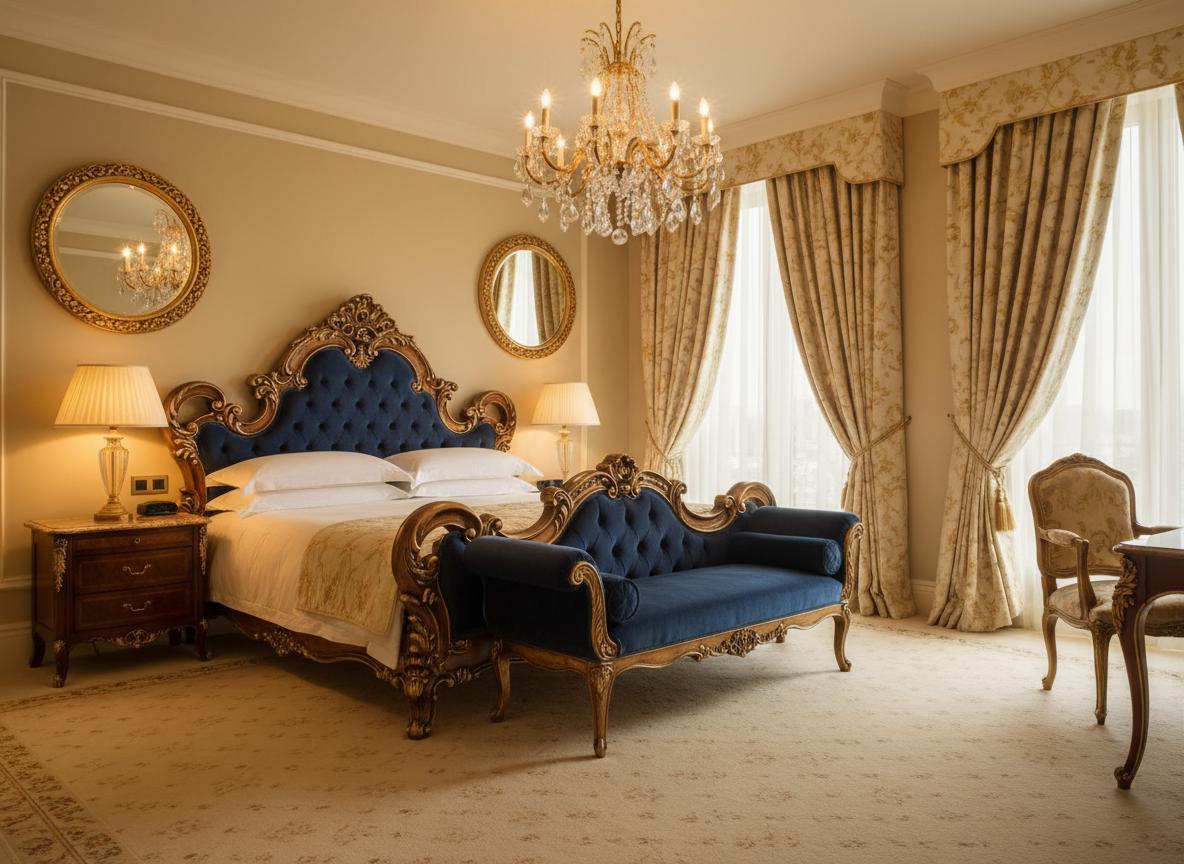
Luxury Classic
Elegant, ornate details, sophisticated ambiance
Luxury Classic
Simple, Transparent Pricing
Choose the plan that fits your needs. All plans include free credits to start.
Starter
20 credits per month
- 20 credits per month
- 720p video output
- Watermarked videos
- Email support
Pro
60 credits per month
- 60 credits per month
- 1080p video output
- No watermark
- Priority queue (-30% wait)
- Unlimited project history
Studio
200 credits per month
- 200 credits per month
- 4K video output
- Custom branding
- Batch upload (10 images)
- API access (100 calls/month)
- Dedicated support
All plans include a 14-day free trial. No credit card required.
Credits roll over and never expire while your subscription is active.