QuickDreamViz
10 Best Free AI Interior Design Apps (2026) — Tested & Ranked
We spent two weeks testing ten popular AI interior design apps using the same five room prompts. The ranking below is based on real output quality, room-specific accuracy, free-tier generosity, and ease of use—not marketing claims.
Ranking overview
Each app was scored out of 10 across design quality, scene coverage, and ease of use. The overall score is the average. Free-tier limits are current as of June 2026.
| Rank | Tool | Free tier | Design quality | Scene coverage | Ease of use | Overall | Best for |
|---|---|---|---|---|---|---|---|
| 1 | QuickDreamViz | 10/day | 9.5 | All rooms + video | 9 | 9.2 | Most users |
| 2 | Interior AI | 5/day | 8.8 | Most rooms | 7 | 8 | Render quality seekers |
| 3 | RoomGPT | 3/day | 7 | Living/bedroom | 8 | 7.1 | Quick casual tests |
| 4 | Reimagine Home | Limited | 7.5 | Living/bedroom | 7 | 7 | Real estate staging |
| 5 | Decor8 AI | 3/day | 6.8 | Living/bedroom | 7 | 6.5 | Budget-limited users |
Detailed app reviews
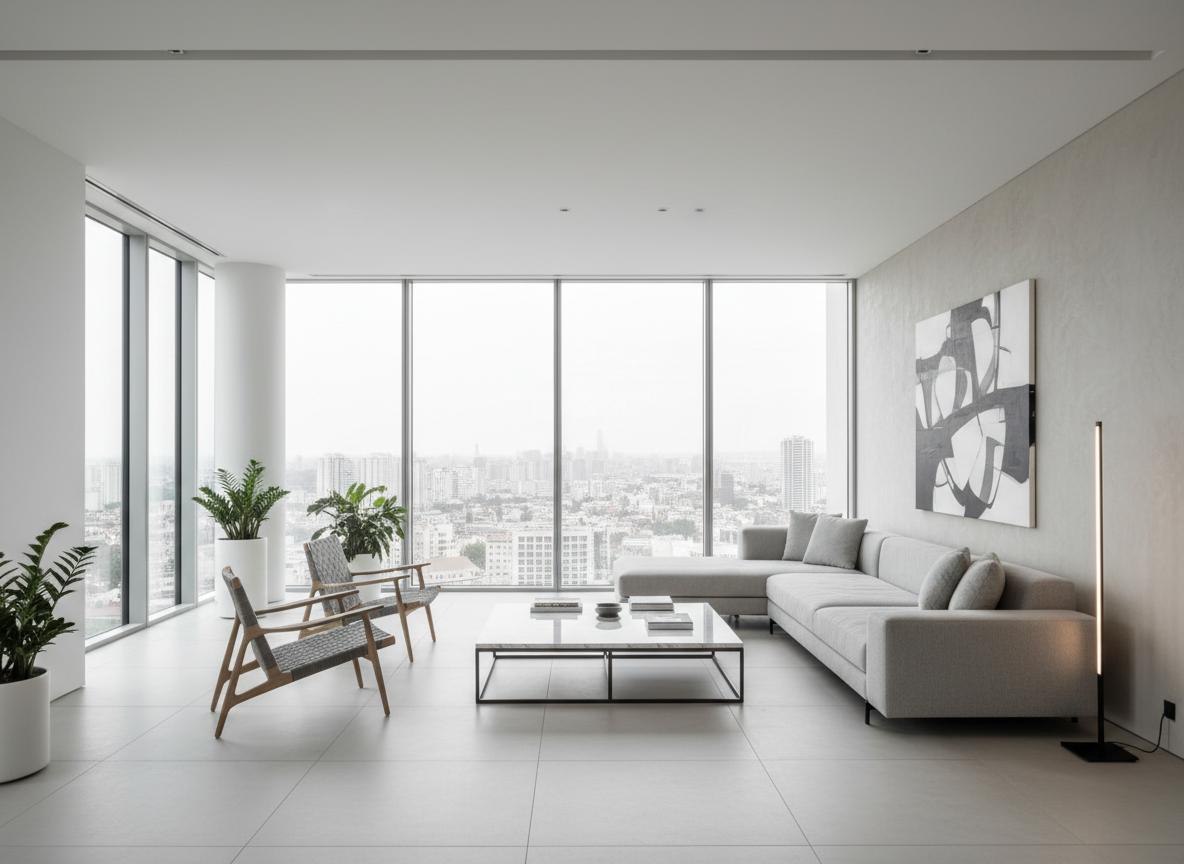
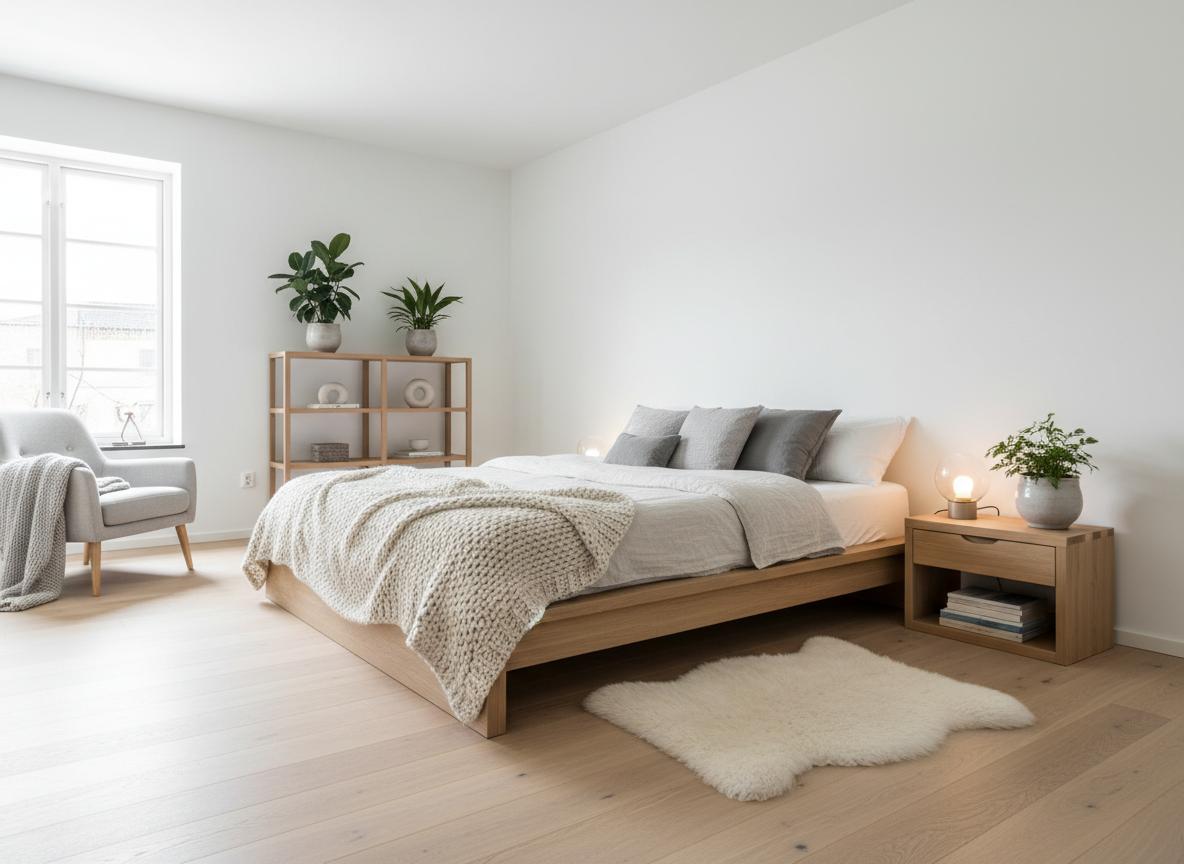
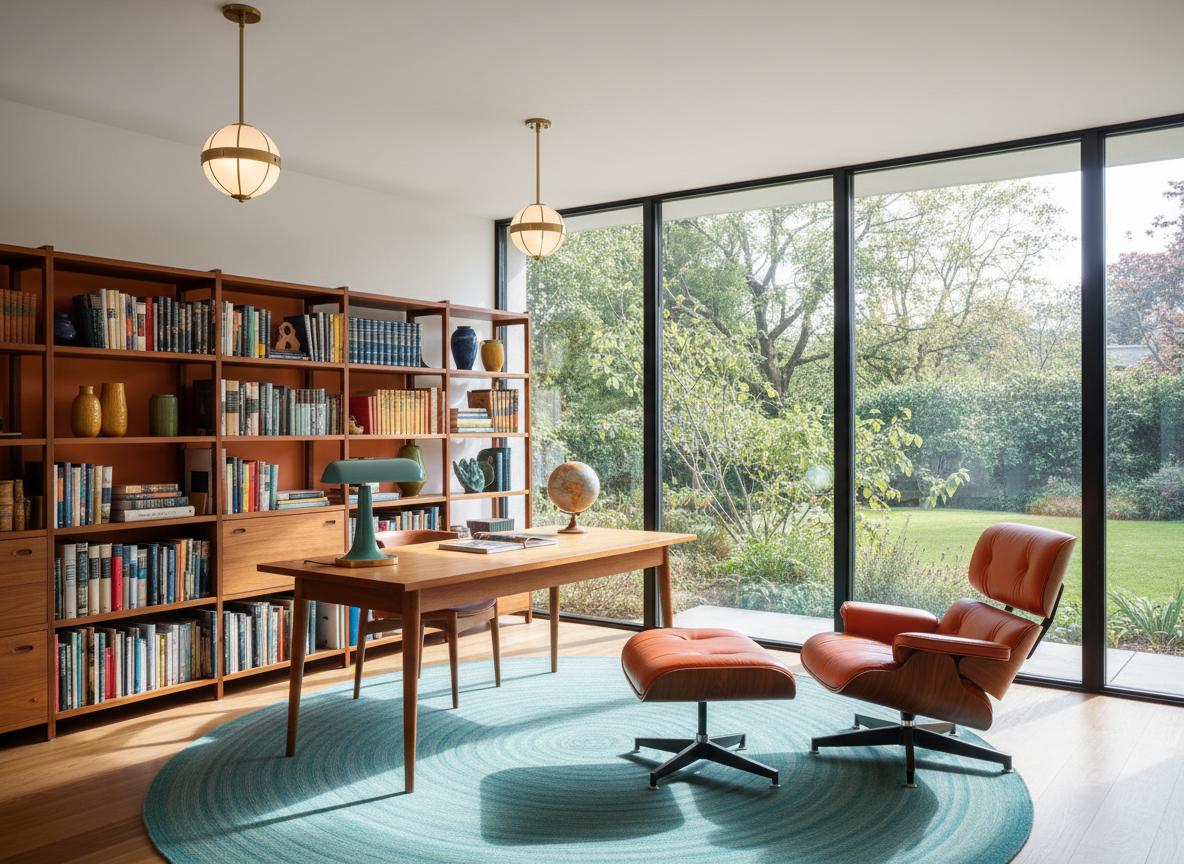
Each review below includes a real prompt we used, an output image, pros, cons, and a one-line verdict. No copy-pasted feature lists.
QuickDreamViz
Best for: homeowners, designers, and real estate marketers
Pros
- Highest kitchen and bathroom layout awareness in our tests
- Magic Brush for local edits without regenerating the whole room
- Built-in 3D walkthrough video generation from a static concept
- Generous free tier with high-resolution output
Cons
- ×Occasional scale drift in very wide-angle photos
- ×Some niche historical styles are not yet available
Verdict: QuickDreamViz is the best all-round choice for most users because it combines strong spatial awareness, local editing, and video output in one free tier.
Free tier: 10 renders per day
Interior AI
Best for: users who prioritize photorealistic rendering

Pros
- Excellent material and lighting realism
- Strong style variety
- Good output for client presentations
Cons
- ×Kitchen layouts often ignore the work triangle
- ×Free tier is more restrictive
- ×No local brush editing in the free plan
Verdict: Interior AI is a strong second choice if your main goal is beautiful, realistic renders and you are willing to pay for more control.
Free tier: 5 renders per day
RoomGPT
Best for: casual users who want a quick first impression
Pros
- Very simple upload-and-pick-style workflow
- Fast generation
- Clean interface
Cons
- ×Weak kitchen and bathroom logic
- ×Limited free renders
- ×No advanced editing tools
Verdict: RoomGPT is fine for a first look, but it falls short for room-specific planning and free usage.
Free tier: 3 renders per day
Reimagine Home
Best for: real estate agents and virtual staging

Pros
- Staging-focused presets
- Good at empty-room furnishing
- Useful for listing photography
Cons
- ×Free tier is heavily limited
- ×Less useful for full renovations
- ×Style control is narrower
Verdict: Reimagine Home is a solid specialist for staging, but not the best general-purpose redesign tool.
Free tier: Limited
Decor8 AI
Best for: budget-limited users and beginners
Pros
- Affordable paid plans
- Simple controls
- Decent living room output
Cons
- ×Lower overall render quality
- ×Limited room-type awareness
- ×Fewer export options
Verdict: Decor8 AI is acceptable for casual experimentation, but professionals will quickly outgrow it.
Free tier: 3 renders per day
Buying guide: which app is right for you?
- If you are a student or on a tight budget: QuickDreamViz free tier offers the most daily renders and the best room-specific logic.
- If you are a professional designer: QuickDreamViz for workflow speed, or Interior AI if you need the most photorealistic renders for paid client work.
- If you just want to try AI quickly: RoomGPT has the shallowest learning curve, but expect fewer free renders and less accuracy.
- If you stage real estate listings: Reimagine Home specializes in empty-room staging, though QuickDreamViz also produces strong listing-ready concepts.
2026 AI interior design trends
Three trends changed the ranking this year. First, room-specific intelligence became more important than pure style transfer. Second, local editing tools like Magic Brush reduced the need for repeated full-room generations. Third, video walkthroughs became a standard expectation for premium tools. QuickDreamViz scored well across all three trends.
FAQ
Are free AI interior design apps really free?
Most tools offer a limited free tier. QuickDreamViz gives 10 renders per day; RoomGPT and Decor8 AI limit free users to roughly 3 renders. Paid plans unlock higher resolution, more styles, and commercial usage.
Can AI design tools replace an interior designer?
No. They accelerate concept visualization and help you communicate ideas, but final layouts, structural changes, and material specifications still need professional review.
Which tool is best for kitchen design?
QuickDreamViz scored highest in our kitchen test for layout logic and appliance placement. See the full kitchen comparison for details.
Which tool is best for bathroom design?
QuickDreamViz and Interior AI both produced usable bathroom concepts, but QuickDreamViz better preserved wet/dry separation and standard fixture sizes.
Can free plans export high-resolution images?
QuickDreamViz free renders are already high-resolution. Some competitors watermark or limit resolution on the free tier.
Room-specific tested comparisons
Our rankings are backed by dedicated room tests. If you are researching a specific room, start here:
Try the #1 ranked app for free
Upload a room photo to QuickDreamViz and compare the output to the reviews above.
Start a free render with QuickDreamViz