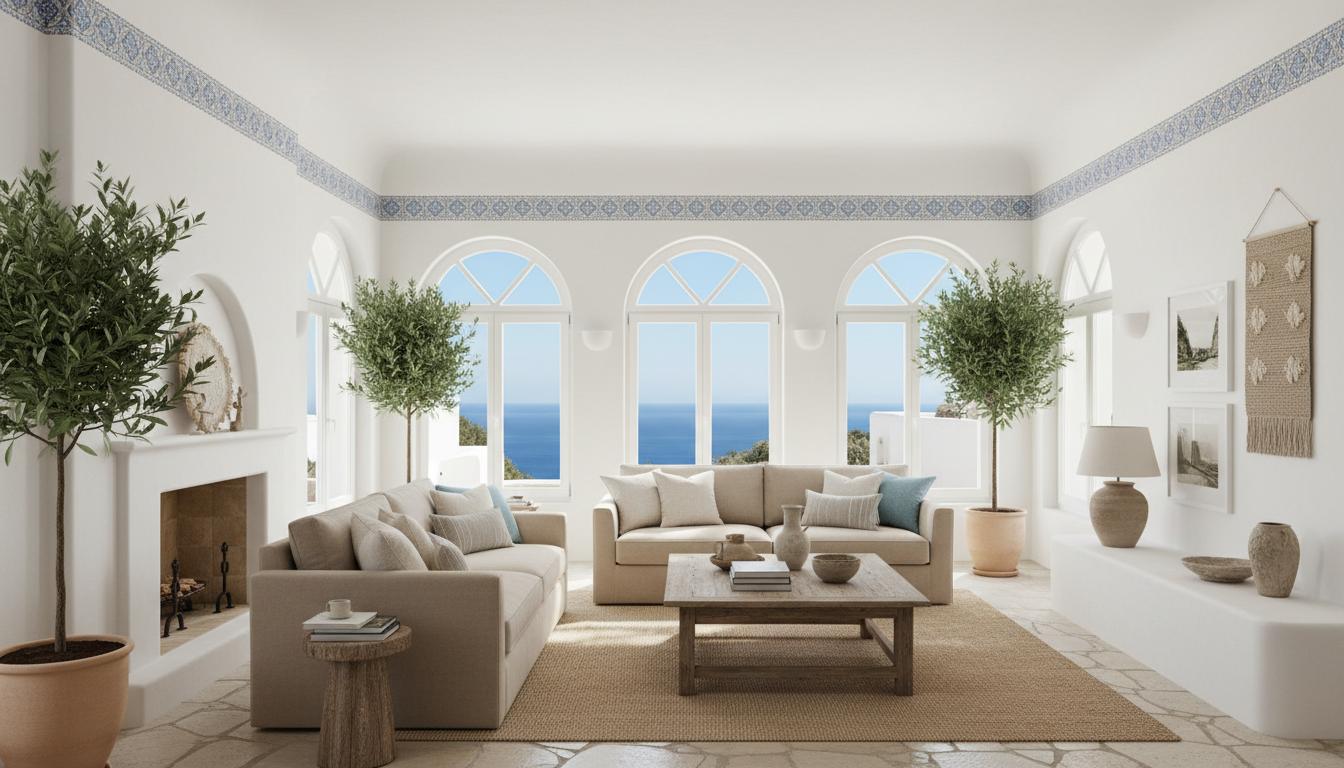
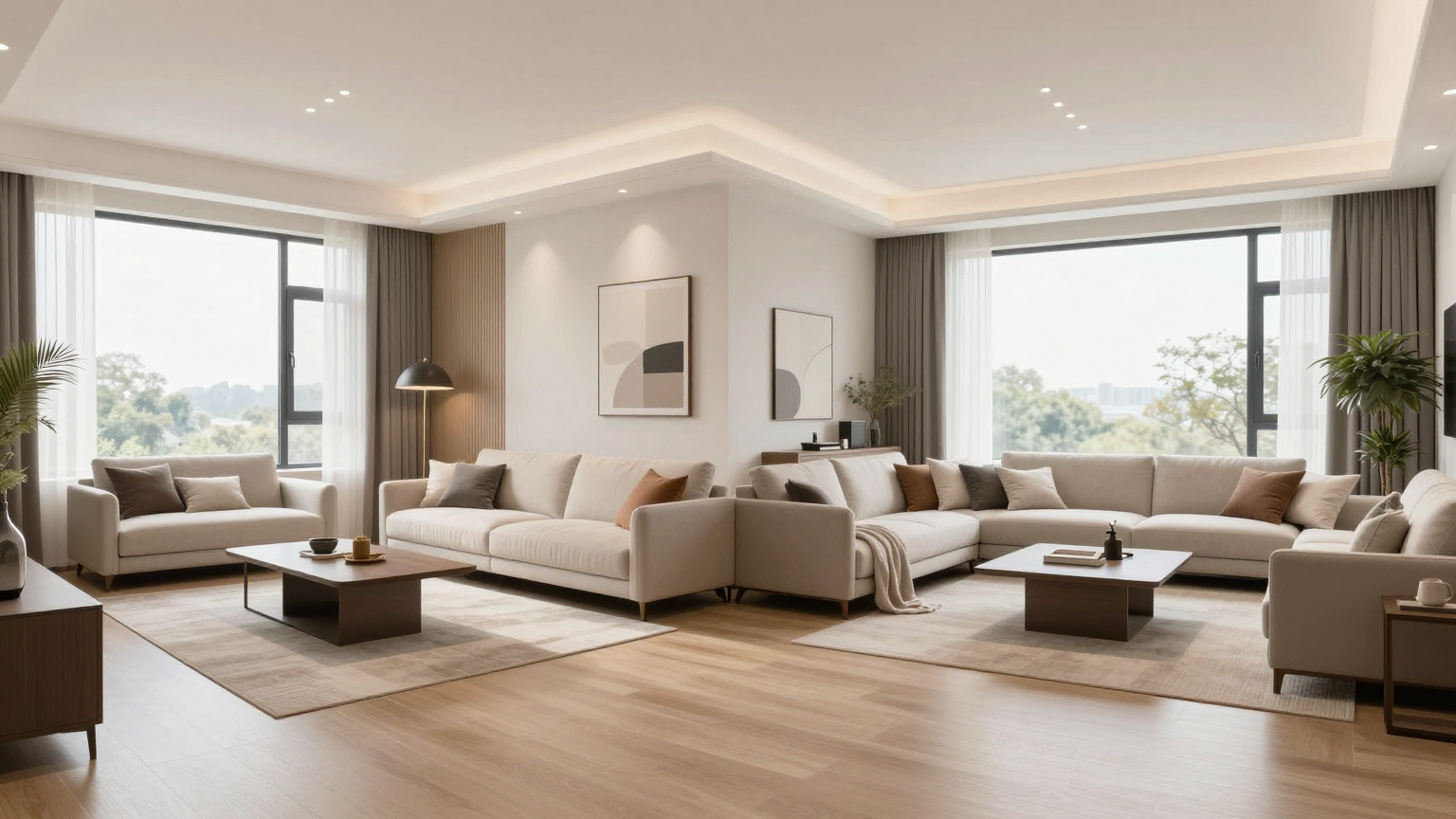
How to Use AI for Design Walkthrough in 2026

Want to see your room in 3D motion? This guide shows you how to use AI to generate stunning design walkthroughs from a simple photo.
Transforming Static Photos into 3D Motion
The biggest breakthrough in 2026 is the ability to generate ai design walkthroughs without complex CAD software. Here is how you do it...
1. Uploading the Right Image
Start with a high-resolution photo. Ensure all corners of the room are visible. This helps the AI map the 3D space accurately.
2. Choosing Your Style
Select a style from the QuickDreamViz library. Whether it is Japandi or Modern Industrial, the AI will apply the textures and lighting accordingly.
3. Generating the Walkthrough
Click 'Generate Video'. Our engine will render a 45-second cinematic tour of your new space.
Key Takeaways
Step 1: Photo Prep
Capture your room with wide-angle shots for the best AI depth recognition.
Step 2: Style Selection
Choose from curated styles that match your vision for the space.
Step 3: Render & Refine
Generate your video and use sliders to adjust the intensity of the changes.
Frequently Asked Questions
What is the best angle to photograph a room for an AI walkthrough?
Capture the room from chest-height at a wide angle showing at least two walls, the floor plane, and key architectural focal points like windows or doors for optimal depth calculation.
Can I adjust the decor style before generating the walkthrough video?
Yes. You first generate a photorealistic 4K render in your desired aesthetic (such as Scandinavian, Japandi, Modern Minimalist, or Luxury Classic), then trigger the 3D walkthrough camera tour from that styled concept.
What formats can I export the walkthrough video in?
Walkthrough videos are delivered as standard MP4 files (H.264), universally compatible with web players, mobile devices, video editors, and property listing platforms.
How can interior designers use this in client pitches?
Designers use QuickDreamViz walkthroughs to replace static 2D mood boards. Showing clients a moving video tour of their renovated living room or kitchen accelerates design approval and reduces revision cycles by over 50%.