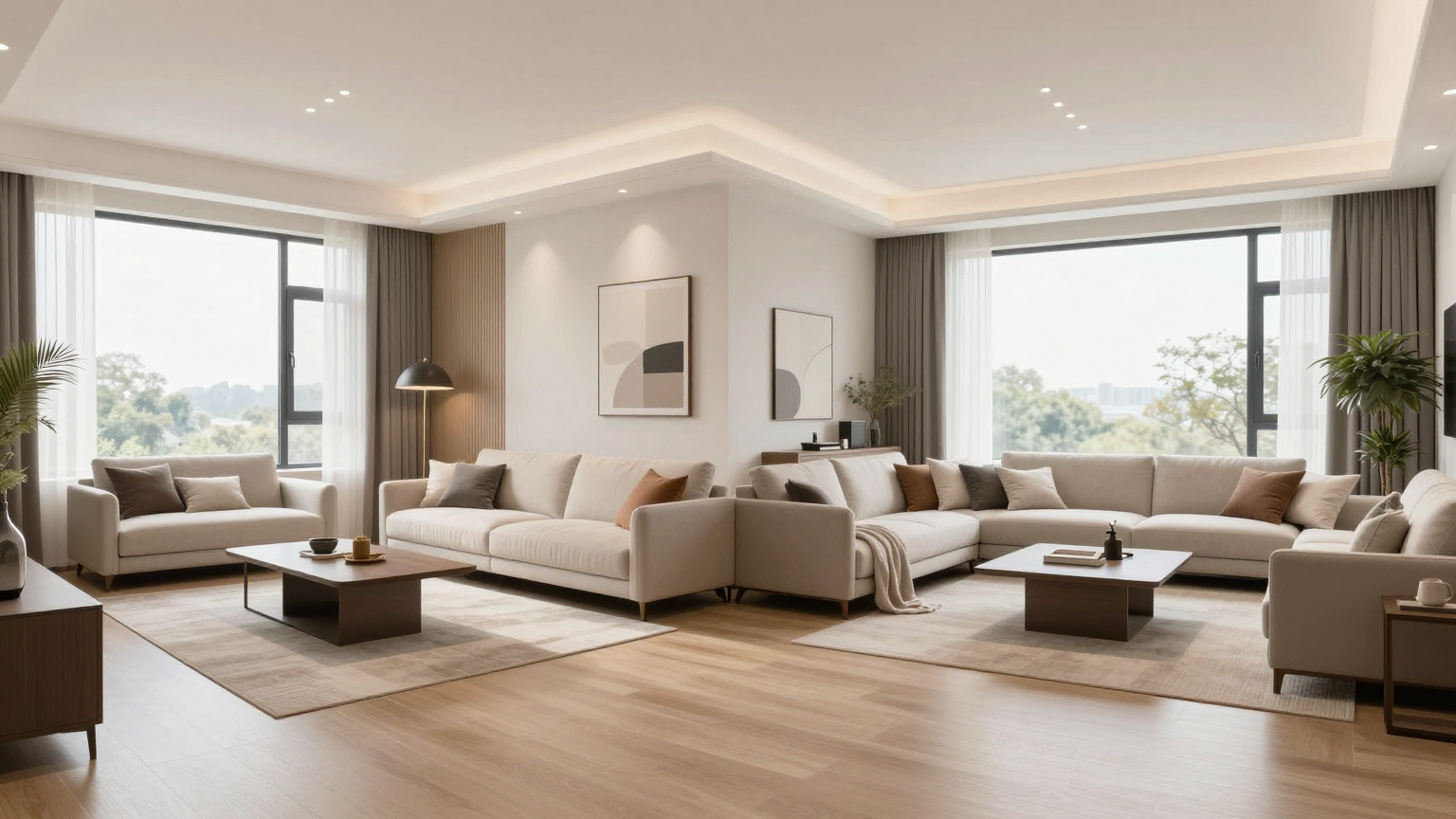
The Ultimate Guide: How to Redesign a Room with AI

Redesigning your home has never been easier. Learn the pro secrets to using AI for room makeovers, virtual staging, and instant styling.
The AI Redesign Workflow
Learning how to redesign a room with ai can save you weeks of planning. Follow these steps to get started...
Step 1: The Base Image
Clear the clutter if possible, or use our 'Empty Room' feature to start with a blank canvas.
Step 2: Intelligent Styling
Use the style transfer tool to apply cohesive aesthetics. Don't be afraid to try bold choices like 'Dark Luxury' or 'Biophilic Green'.
Step 3: Precision Tweaks
Use the AI Magic Brush to swap out specific items like a rug or a coffee table until you find the perfect match.
Key Takeaways
Style Swapping
Instantly see your room in 30+ different architectural styles.
Magic Brush Editing
Learn how to selectively edit furniture and decor with precision.
Photorealistic Results
Get high-resolution renders that look like real professional photography.
Frequently Asked Questions
Is AI redesign better than a human designer?
AI is best for rapid visualization and ideation. It works best as a collaborative tool to help you or your designer make faster decisions.
How accurate are the colors?
Our AI accounts for your room's natural lighting, providing highly accurate color and texture simulations.