QuickDreamViz
AI Virtual Staging for Real Estate Listings
Help buyers imagine the potential of every room. QuickDreamViz turns empty, outdated, or under-furnished listing photos into styled interior visuals and walkthrough concepts for real estate marketing.
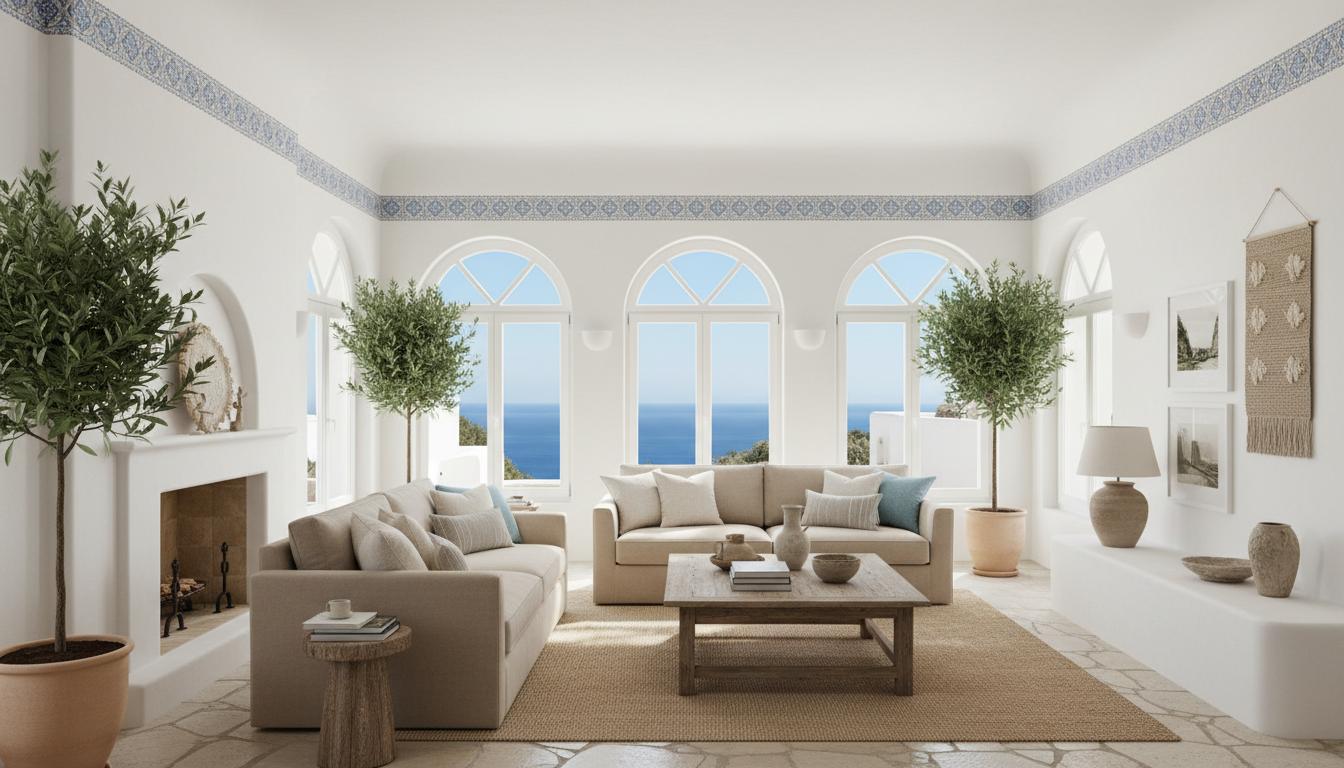
Stage Empty Rooms Fast
Turn vacant living rooms, bedrooms, and kitchens into listing-ready concepts without waiting for physical staging.
Refresh Outdated Interiors
Modernize dated cabinetry, flooring, and furniture so buyers focus on potential instead of current wear.
Create Walkthrough Concepts
Extend staged room visuals into cinematic walkthrough concepts for listing presentations and client follow-up.
Why real estate teams use AI virtual staging
AI virtual staging for real estate helps agents and marketers create stronger listing visuals without the time and cost of traditional staging. Instead of leaving an empty room to the buyer's imagination, you can show a styled direction that makes the listing easier to understand and more engaging in feeds, portals, and presentations.
What works best for listing photos
- Use bright, high-resolution property photos with a clear view of the room structure.
- Show the floor, at least two walls, and key openings so the AI can preserve layout context.
- Keep an original photo archive and disclose virtually staged images where local rules require it.
How QuickDreamViz fits a property workflow
Upload a listing photo, choose a design direction, generate staged room concepts, and refine focal points with Magic Brush. Teams can then use walkthrough concepts to give buyers a stronger feel for space and flow before a viewing.
Who This Page Is Built For
- Real estate agents who need listing-ready visuals for empty or dated rooms.
- Property marketers who want faster campaign assets and walkthrough concepts.
- Photographers and staging partners who want an AI staging upsell.
Important Real Estate Considerations
- Use clear disclosure where your MLS or local advertising rules require virtually staged labeling.
- Keep a copy of original listing photos alongside AI-staged variants for transparency.
- Use walkthrough concepts as marketing visuals, not construction documentation.
Try ai virtual staging for real estate with QuickDreamViz
Why users trust this workflow
- Upload a room photo and keep the original layout visible before making design decisions.
- Generate room visuals, virtual staging concepts, and walkthrough videos from one workflow.
- Use Magic Brush for local edits instead of restarting a full room generation.
What to know before you upload
- Use a bright, high-resolution photo with walls, floor, and key furniture visible.
- Generated images are for visualization and presentation, not construction-grade plans.
- Paid plans should clearly state export quality and commercial usage rights on pricing pages.
FAQ
How does AI virtual staging compare to physical home staging in cost?
Physical staging typically costs between $2,000 and $6,000 per property plus monthly rental fees. QuickDreamViz AI virtual staging plans start from $29/month (or $79/month for Pro with HD 3D walkthrough videos), saving real estate teams over 95% on listing marketing budgets.
Can AI virtual staging declutter existing furniture?
Yes. Our AI recognizes outdated or cluttered furniture and digitally overpaints the space with curated modern designer pieces while keeping the original room dimensions, flooring, and views intact.
Are AI-staged photos compliant with MLS and real estate board regulations?
Yes, provided they are disclosed in accordance with local MLS guidelines. Many MLS boards require a "Virtually Staged" watermark or pairing with original empty room photos, which our platform fully supports.
Can I generate a 3D walkthrough video from an AI virtually staged room?
Yes! With our Pro plan, you can transform any virtually staged photo into a 6-second cinematic 3D walkthrough video, giving potential buyers an emotional video tour of the property before scheduling an in-person viewing.
What design styles perform best for real estate sales in 2026?
Warm Minimalist, Transitional Scandinavian, and Neutral Modern styles generate the highest click-through rates and listing inquiries by presenting inviting, universally appealing spaces.
Real 3D Walkthrough Transformation
Experience the complete evolution: from raw customer photo, to photorealistic AI render, to interactive 3D spatial depth, to cinematic 3D walkthrough video in 1080p.
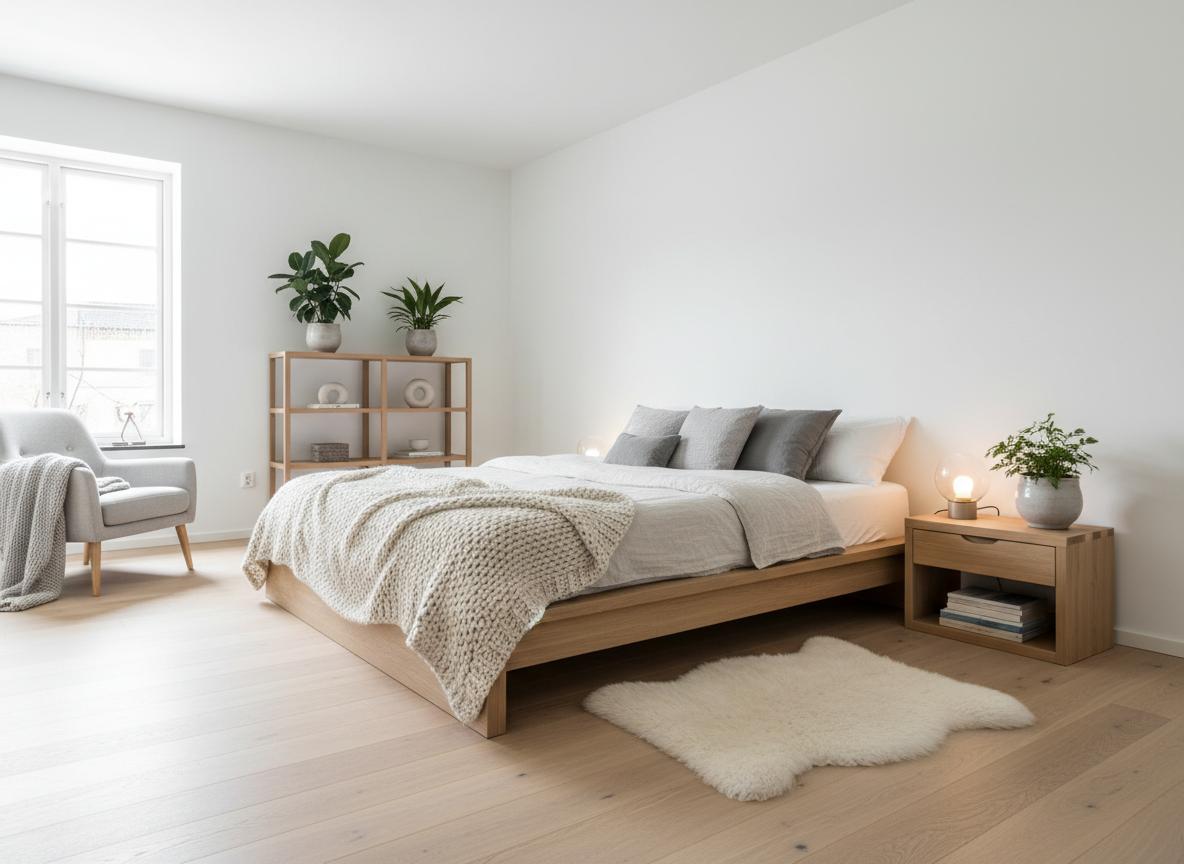
Modern Scandinavian Living Space
Transform a cluttered, dated apartment into a light-flooded Scandinavian living room with natural oak flooring and bespoke recessed LED lighting.
Try It Now
Upload your room photo and see the magic happen. No signup required for your first design.
Drag & drop your room photo
Supports JPG, PNG up to 10MB (16:9 crop to 1920px)
Upload a photo to see the preview
How It Works
From photo to 3D walkthrough in 3 simple steps
Upload Your Photo
Take a photo of your room and upload it. We support JPG, PNG up to 10MB. Our AI will analyze the space structure.
Choose Your Style
Select from 8 curated interior design styles. Preview instantly how each style transforms your space.
Get Your 3D Walkthrough
Our AI generates a stunning video tour. Download and share with friends, family, or clients!
Explore 8 Design Styles
Click any style to see more examples and learn about its characteristics
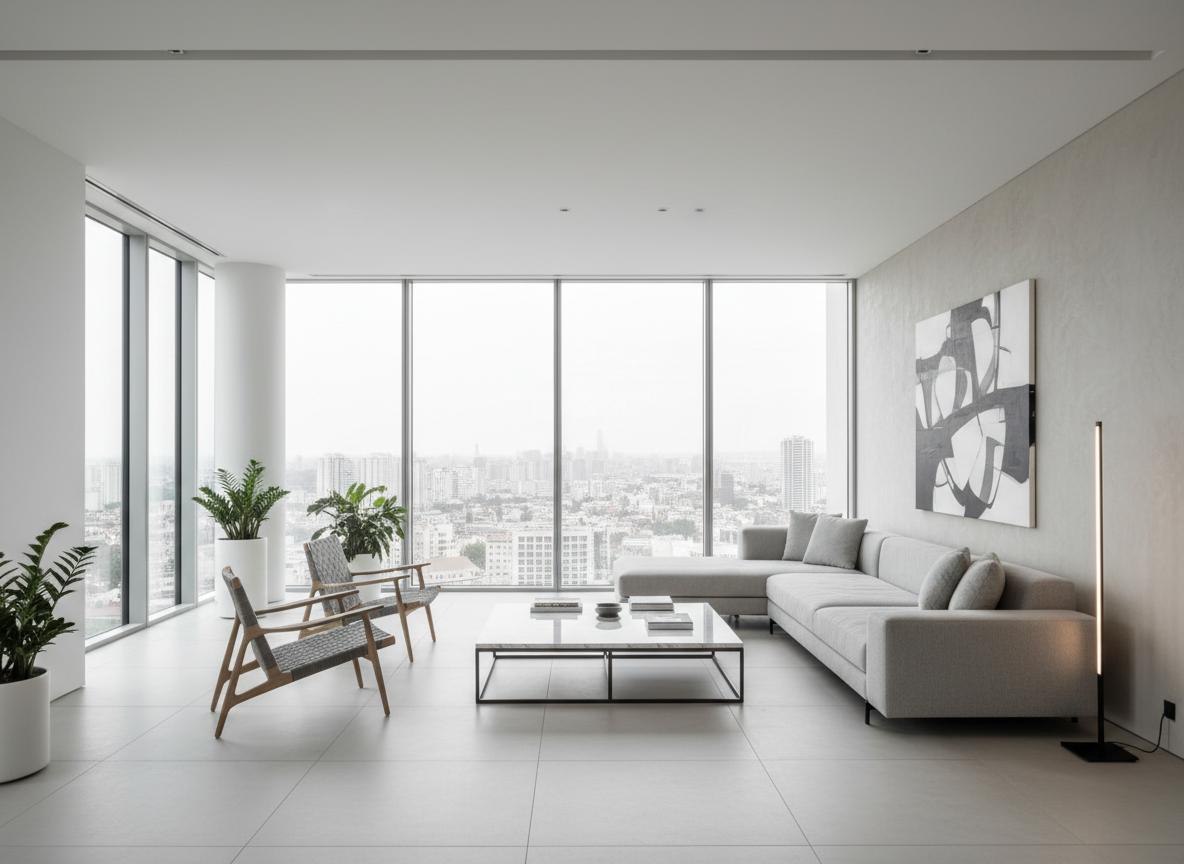
Modern Minimalist
Clean lines, neutral colors, and functional design
Modern Minimalist
Scandinavian
Light, cozy, and natural elements
Scandinavian
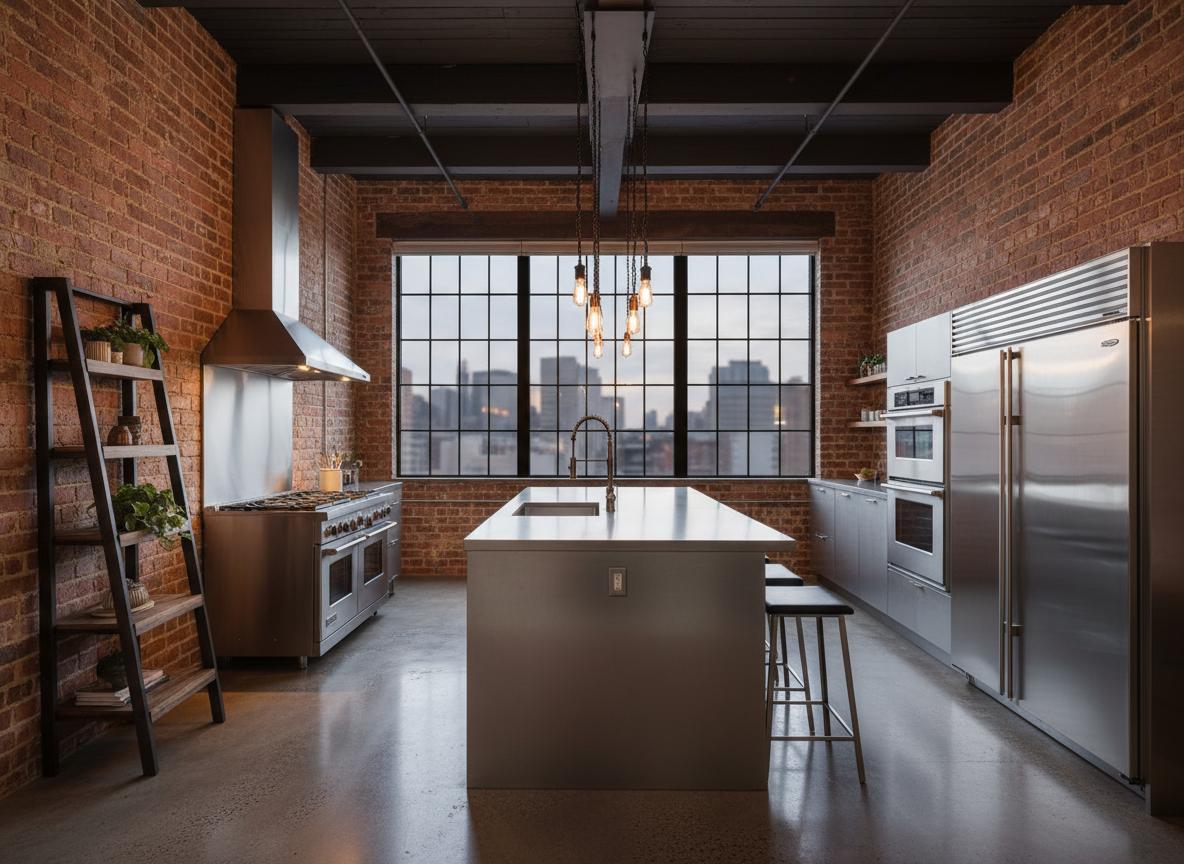
Industrial Loft
Raw materials, exposed structures, urban feel
Industrial Loft
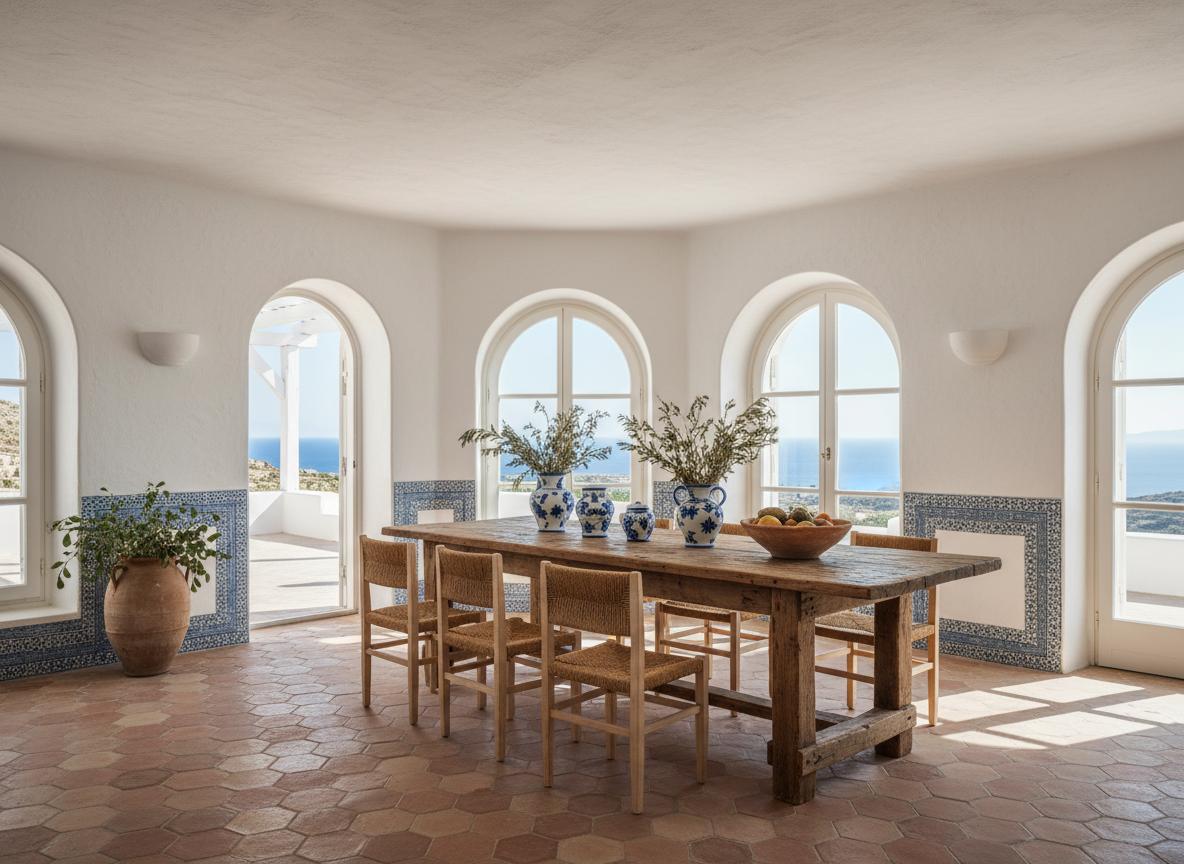
Mediterranean
Warm colors, natural textures, coastal vibes
Mediterranean
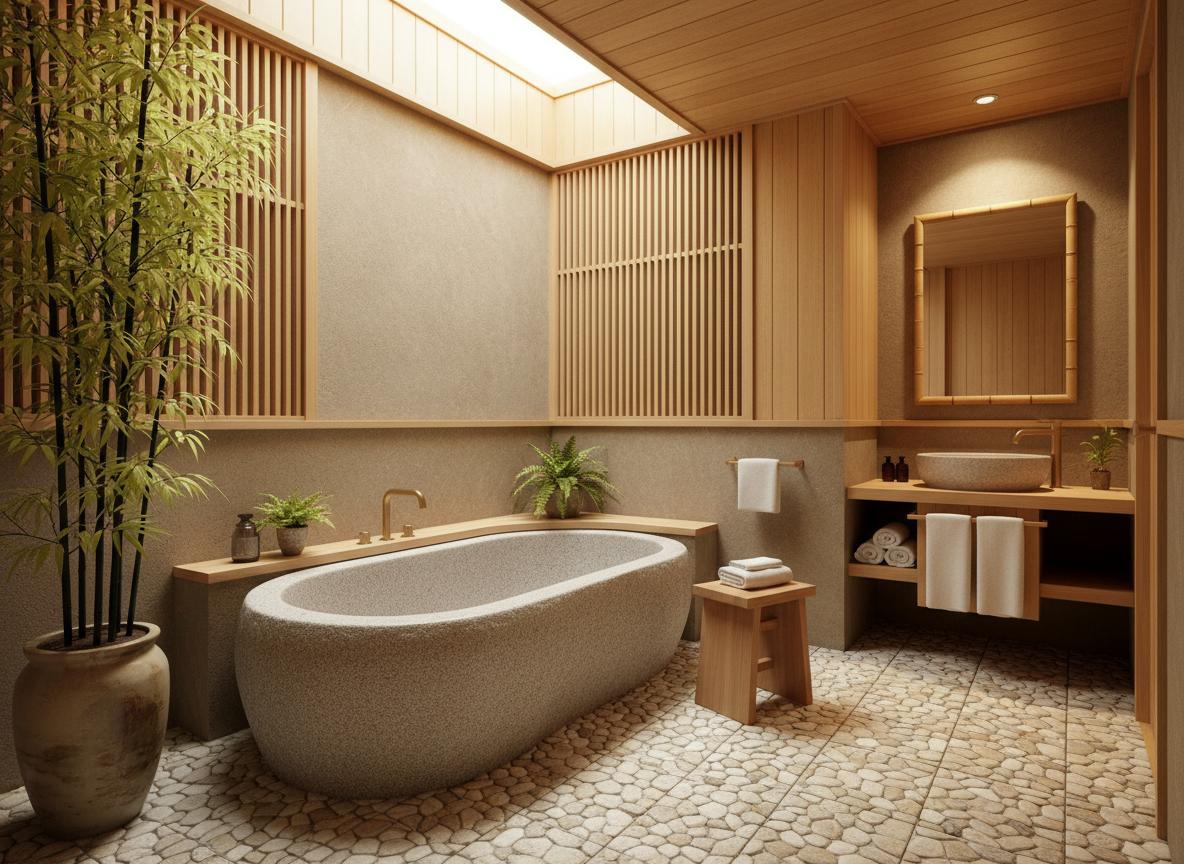
Japanese Zen
Minimalist, natural materials, peaceful atmosphere
Japanese Zen
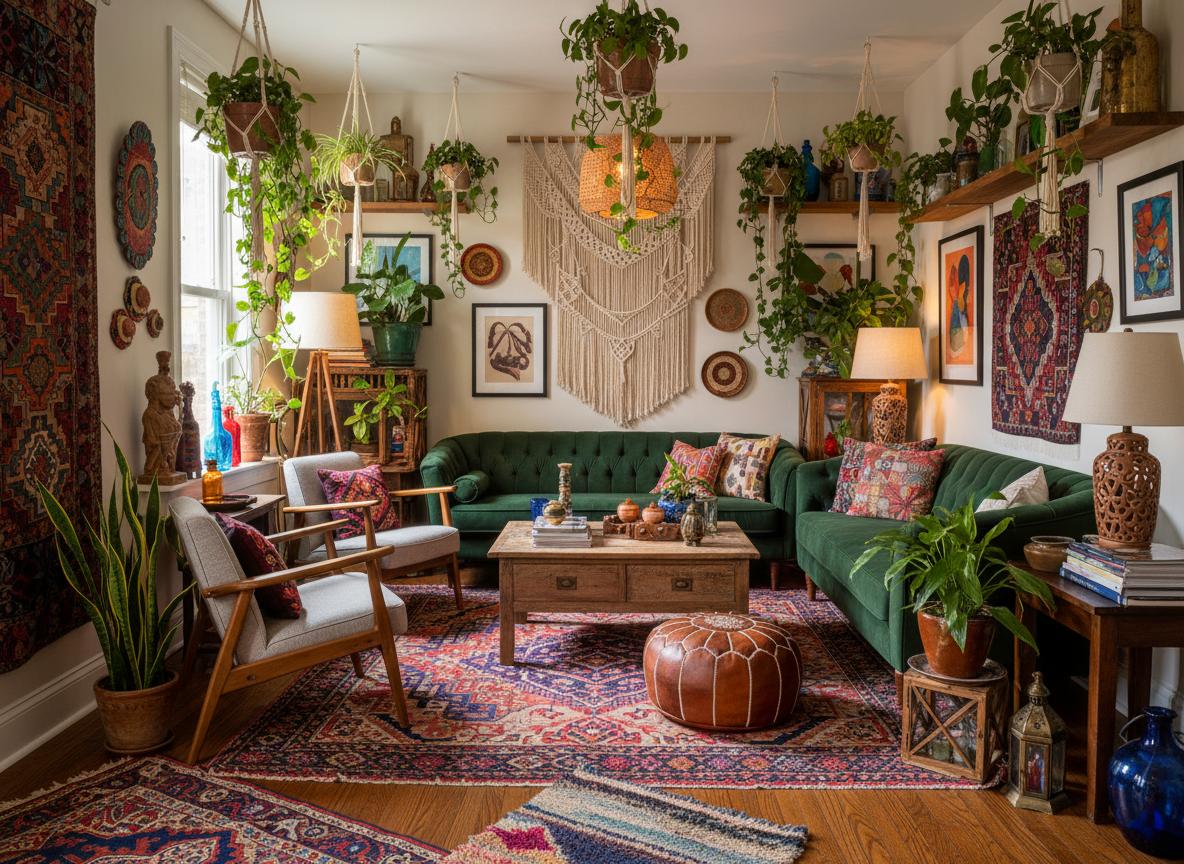
Bohemian
Eclectic, colorful, artistic expression
Bohemian
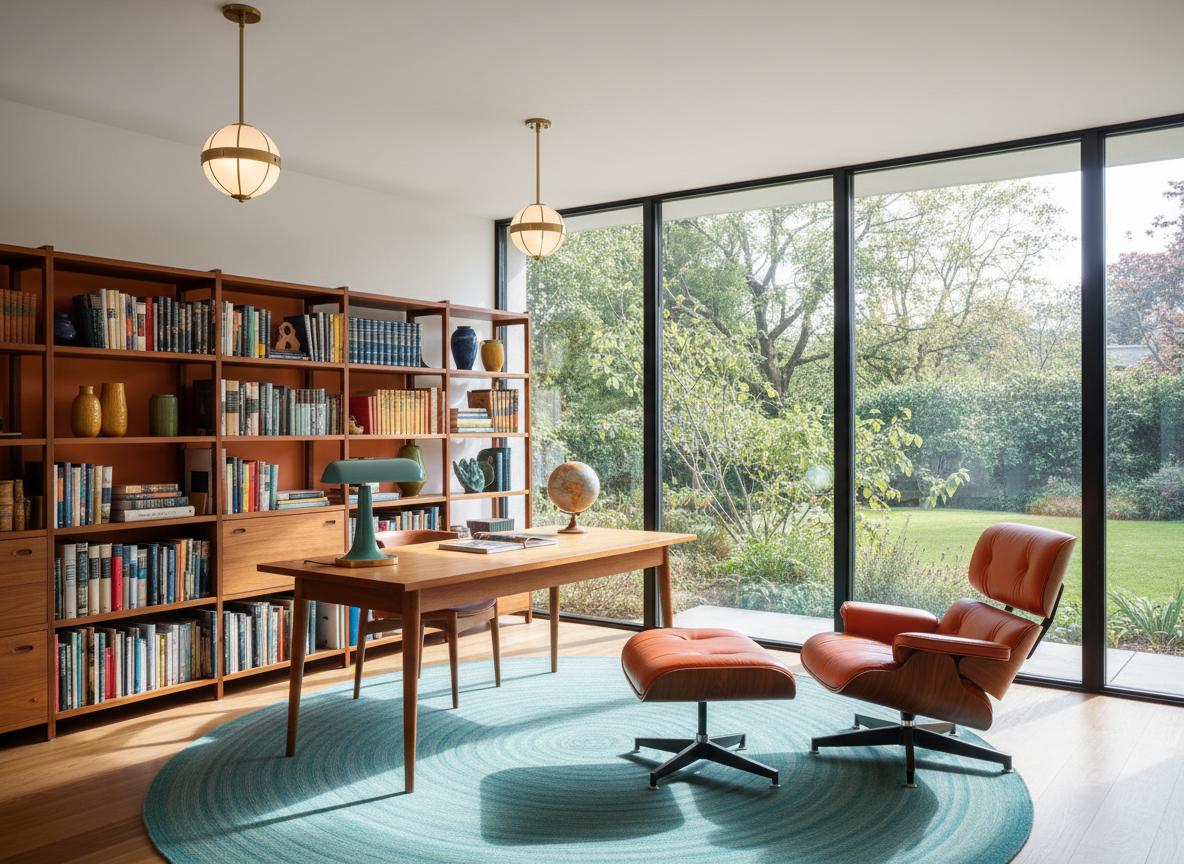
Mid-Century Modern
Retro charm, bold colors, iconic designs
Mid-Century Modern
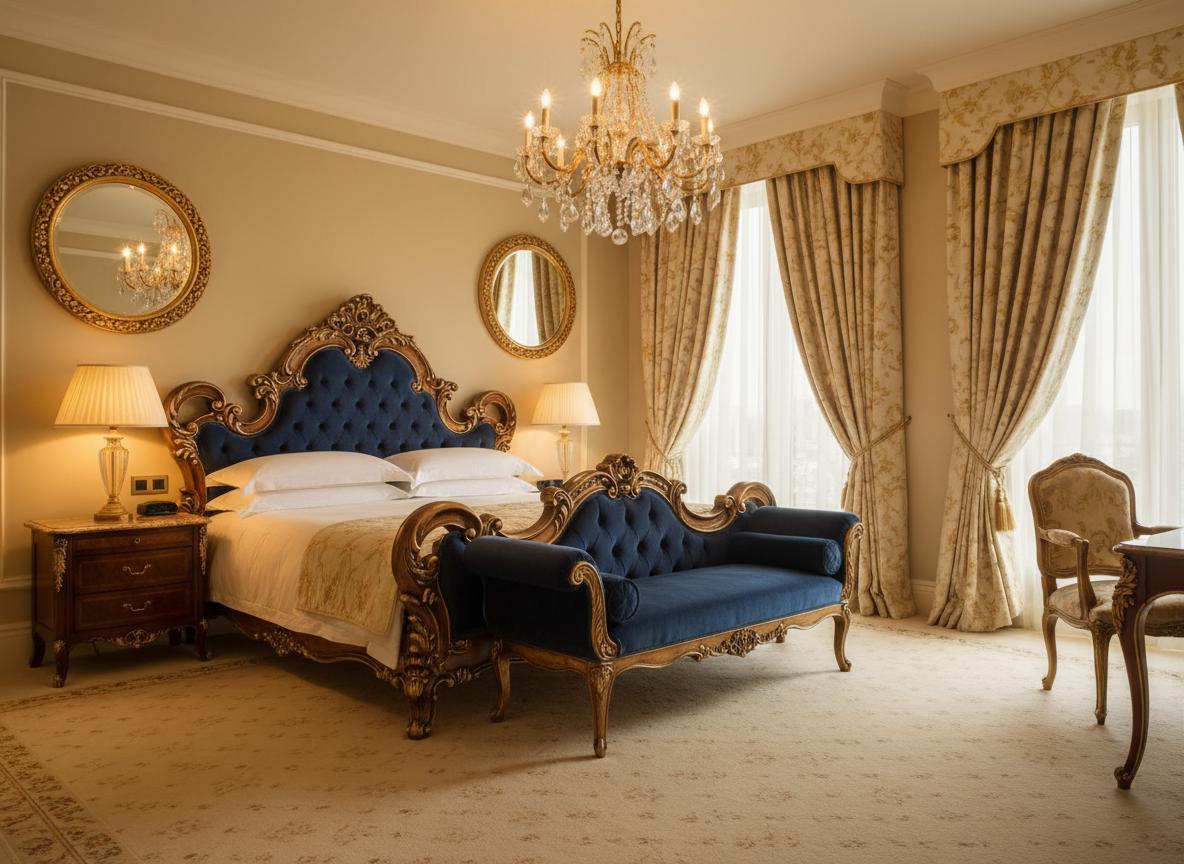
Luxury Classic
Elegant, ornate details, sophisticated ambiance
Luxury Classic
Simple, Transparent Pricing
Choose the plan that fits your needs. All plans include free credits to start.
Starter
20 credits per month
- 20 credits per month
- 720p video output
- Watermarked videos
- Email support
Pro
60 credits per month
- 60 credits per month
- 1080p video output
- No watermark
- Priority queue (-30% wait)
- Unlimited project history
Studio
200 credits per month
- 200 credits per month
- 4K video output
- Custom branding
- Batch upload (10 images)
- API access (100 calls/month)
- Dedicated support
All plans include a 14-day free trial. No credit card required.
Credits roll over and never expire while your subscription is active.